


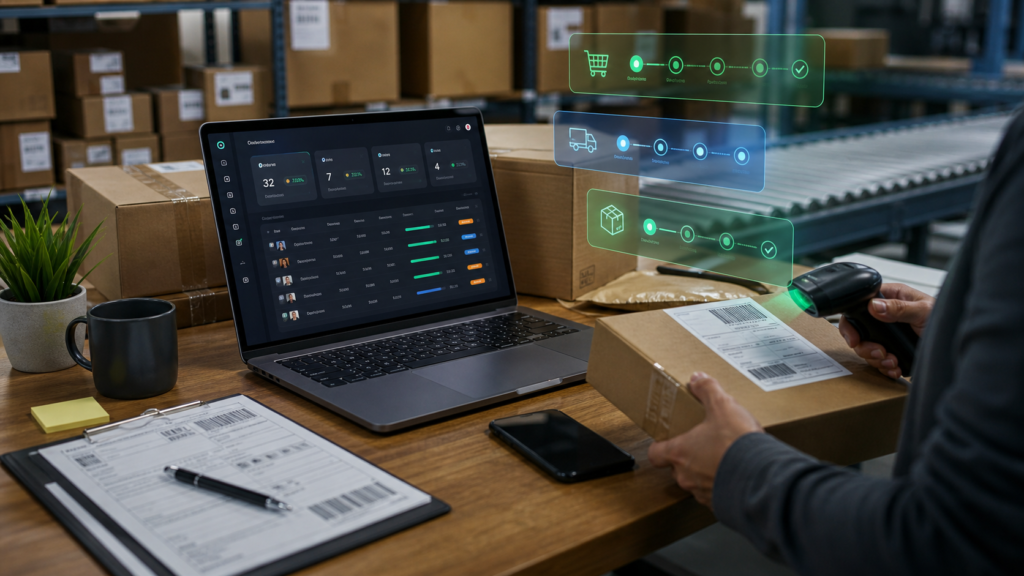
Quick answer: You can manage WooCommerce orders from one dashboard by focusing on exceptions: orders that need fulfillment, follow-up, refunds, status review, customer notes, invoices, or team action.
A busy orders list can hide the work that matters most. Store owners do not only need to see orders. They need to know which orders require attention and who should handle them.

What to look for
- Order status views that make exceptions obvious.
- Fast access to customer, payment, shipping, and fulfillment context.
- Task ownership for follow-up work.
- Links between order problems and product or stock issues.
- Reporting that shows patterns, not just individual transactions.
Where OumsAI fits
OumsAI is useful when order management needs to connect with the rest of the store: inventory, products, customers, marketing, analytics, and team execution.
When this becomes a lead signal
This question usually appears when a store owner is past the basic setup stage. They are not only asking how WooCommerce works. They are looking for a cleaner way to manage the work that growth has created.
Short FAQ
How can I manage WooCommerce orders from one dashboard?
You can manage WooCommerce orders from one dashboard by focusing on exceptions: orders that need fulfillment, follow-up, refunds, status review, customer notes, invoices, or team action.
Should I solve this with another small plugin?
Sometimes yes, if the problem is narrow. If the same problem touches products, orders, inventory, marketing, reporting, and team ownership, a management suite is usually easier to operate.
Next step
If your team starts the day by hunting through order statuses, move that review into a dashboard workflow with OumsAI. Review OumsAI pricing, explore the documentation, or start from the Products Manager if catalog work is your biggest pain.
Sources used for this short guide: WooCommerce Analytics orders report, WooCommerce documentation.